Block Command Guide
Introduction
Trigger Blocks

No. |
Name |
Icon |
Description |
|---|---|---|---|
① |
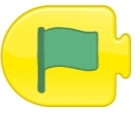
Start When Green Flag is Clicked |
|
Place this block at the beginning of the program. When the green flag is clicked, the following program will execute. |
② |
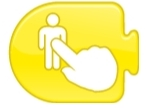
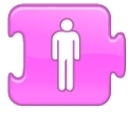
Start When Character is Clicked |
|
Place this block at the beginning of the program. When the character is clicked, the following program will execute. |
③ |
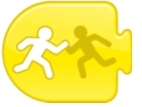
Start When Colliding with Another Character |
|
Place this block at the beginning of the program. When the character collides with another character, the following program will execute. |
④ |
Start When Message is Received |
|
Executes the following program when a message of a specified color is received. |
⑤ |
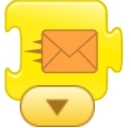
Send Message |
|
Sends a message of a specified color. |
⑥ |
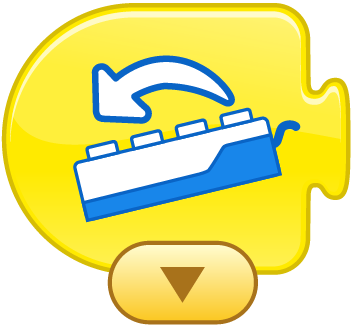
Start When Tilt Sensor Changes |
|
Place this block at the beginning of the program. When the tilt sensor detects a change, the following program will execute. |
⑦ |
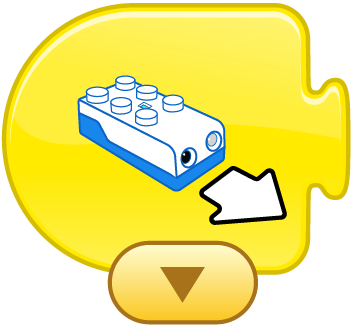
Start When Distance Sensor Changes |
|
Place this block at the beginning of the program. When the distance sensor detects a state change, the following program will execute. |
⑧ |
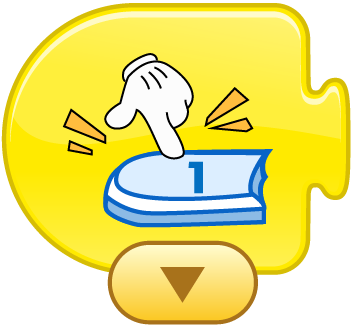
Start When Button is Pressed |
|
Place this block at the beginning of the program. When the button is pressed, the following program will execute. |

Action Blocks

No. |
Name |
Icon |
Description |
|---|---|---|---|
① |
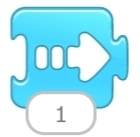
Move Right |
|
Moves the character to the right. The number of steps can be specified. |
② |
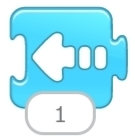
Move Left |
|
Moves the character to the left. The number of steps can be specified. |
③ |
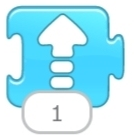
Move Up |
|
Moves the character upwards. The number of steps can be specified. |
④ |
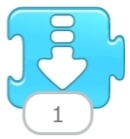
Move Down |
|
Moves the character downwards. The number of steps can be specified. |
⑤ |
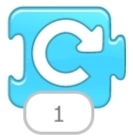
Turn Right |
|
Rotates the character clockwise by a specified number of units (1-12, like a clock’s hour hand; 12 represents a full circle). |
⑥ |
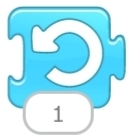
Turn Left |
|
Rotates the character counterclockwise by a specified number of units (1-12, like a clock’s hour hand; 12 represents a full circle). |
⑦ |
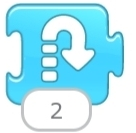
Jump |
|
Makes the character jump. The height of the jump can be specified. |
⑧ |
Go Home |
|
After moving, this block returns the character to its original position. (Drag the character to set its initial position.) |

Appearance Blocks

No. |
Name |
Icon |
Description |
|---|---|---|---|
① |
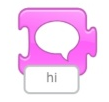
Speak |
|
Displays a speech bubble above the character with specified content. |
② |
Enlarge |
|
Increases the character’s size, making it appear larger. |
③ |
Shrink |
|
Decreases the character’s size, making it appear smaller. |
④ |
Reset Size |
|
Resets the character’s size to its original dimensions. |
⑤ |
Hide |
|
Gradually makes the character disappear from the screen. |
⑥ |
Show |
|
Gradually makes a hidden character reappear on the screen. |
⑦ |
LED Light |
|
Changes the color of the LED light on the main controller. |

Sound Effect Blocks

No. |
Name |
Icon |
Description |
|---|---|---|---|
① |
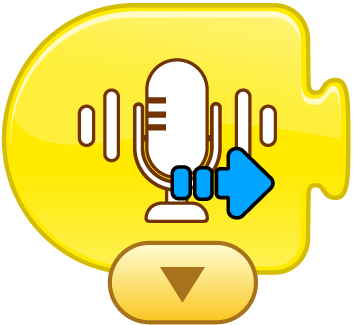
Start When Voice Recognition Module Recognizes |
|
Place this block at the beginning of the program. When the voice recognition module detects a command, the following program will execute. |
② |
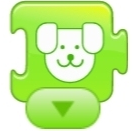
Dog |
|
Plays animal sounds. |
③ |
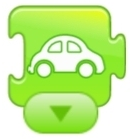
Car |
|
Plays car horn sounds. |
④ |
Notification |
|
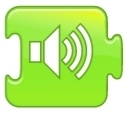
Plays a notification sound. |
⑤ |
Pop |
|
Plays a pop sound effect. |

Control Blocks

No. |
Name |
Icon |
Description |
|---|---|---|---|
① |
Pause |
|
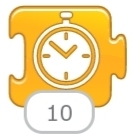
Pauses the character for a specified duration (unit: 1/10 second). |
② |
Stop |
|
Stops all programs running on the character. |
③ |
Set Speed |
|
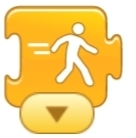
Changes the movement speed of the character. |
④ |
Loop |
|
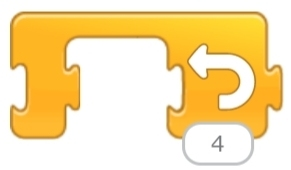
Repeats all programs within the block for a specified number of times. |

Motor Blocks

No. |
Name |
Icon |
Description |
|---|---|---|---|
① |
Set Click Speed |
|
Adjusts the speed of the clicking motion (range: 0-9). |
② |
Motor Port 1 |
|
Controls the motor connected to Port 1. |
③ |
Motor Port 2 |
|
Controls the motor connected to Port 2. |
④ |
Move Forward |
|
Controls the robot to move forward when two motors are connected. |
⑤ |
Move Backward |
|
Controls the robot to move backward when two motors are connected. |
⑥ |
Turn Left |
|
Controls the robot to turn left when two motors are connected. |
⑦ |
Turn Right |
|
Controls the robot to turn right when two motors are connected. |
⑧ |
Stop |
|
Stops the robot when two motors are connected. |


Ending Blocks

No. |
Name |
Icon |
Description |
|---|---|---|---|
① |
End |
|
Indicates the end of the program (does not affect execution). |
② |
Infinite Loop |
|
Continuously repeats all programs within the block. |
③ |
Switch to Page |
|
Switches to a specified page in the project. |